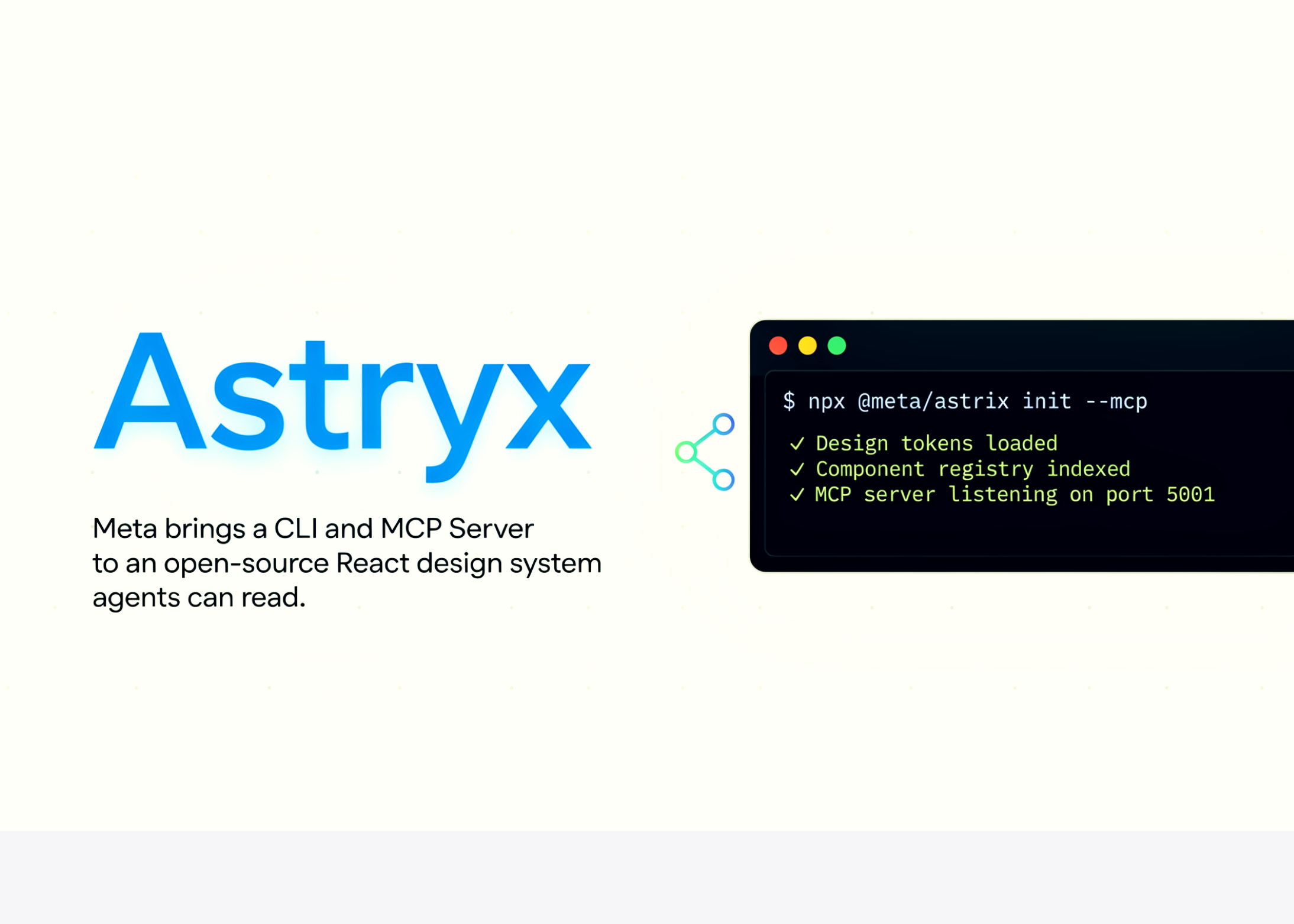
astryx xds. Isici esisodwa sibaluleke ngempela ku-automation. I-CLI ibuyisela i-manifest ezichaza yona njenge-JSON. Ibala yonke imiyalo, ingxabano, ifulegi, kanye nohlobo lwempendulo. Ukuyiqhathanisa ne-OpenAPI spec ye-CLI. Ngakho-ke i-ejenti ayidingi ukukhuhla --help text. Ifundeka umthwalo okhokhelwayo ohleliwe owodwa.
npx astryx component Button        # full docs for a component
npx astryx template dashboard      # emit full page source
npx astryx manifest --json         # machine-readable command spec
npm install @astryxdesign/core @astryxdesign/theme-neutral
npm install -D @astryxdesign/cli
Wrap your app in the Theme provider.
'use client';
import type {ReactNode} from 'react';
import {Theme} from '@astryxdesign/core/theme';
import {neutralTheme} from '@astryxdesign/theme-neutral/built';
export function Providers({children}: {children: ReactNode}) {
return {children} ;
}
import {Button} from '@astryxdesign/core/Button';

export default function Page() {
  return ;
}
bg-surface var(--...)
again . . Linda! ukutelegram?
contact us